
Virtual glasses try on.
A new frame of mind.
Try optical frames and sunglasses on your own photo. Explore a new shape, compare your shortlist, or upload the pair you have your eye on.
See yourself in a new pair.
One front-facing photo. Your choice of frames.
AI photo preview. Check frame measurements and fit with your optician before buying.
Find your next pair.
Choose a frame, or bring your own.
Try-on uses 2 credits. Purchase options appear if you need more. Your photo and selection stay here.
A different pair. Still you.
Drag to compare. These previews were made with this photo try-on tool using AI-created example portraits and the frames shown here.






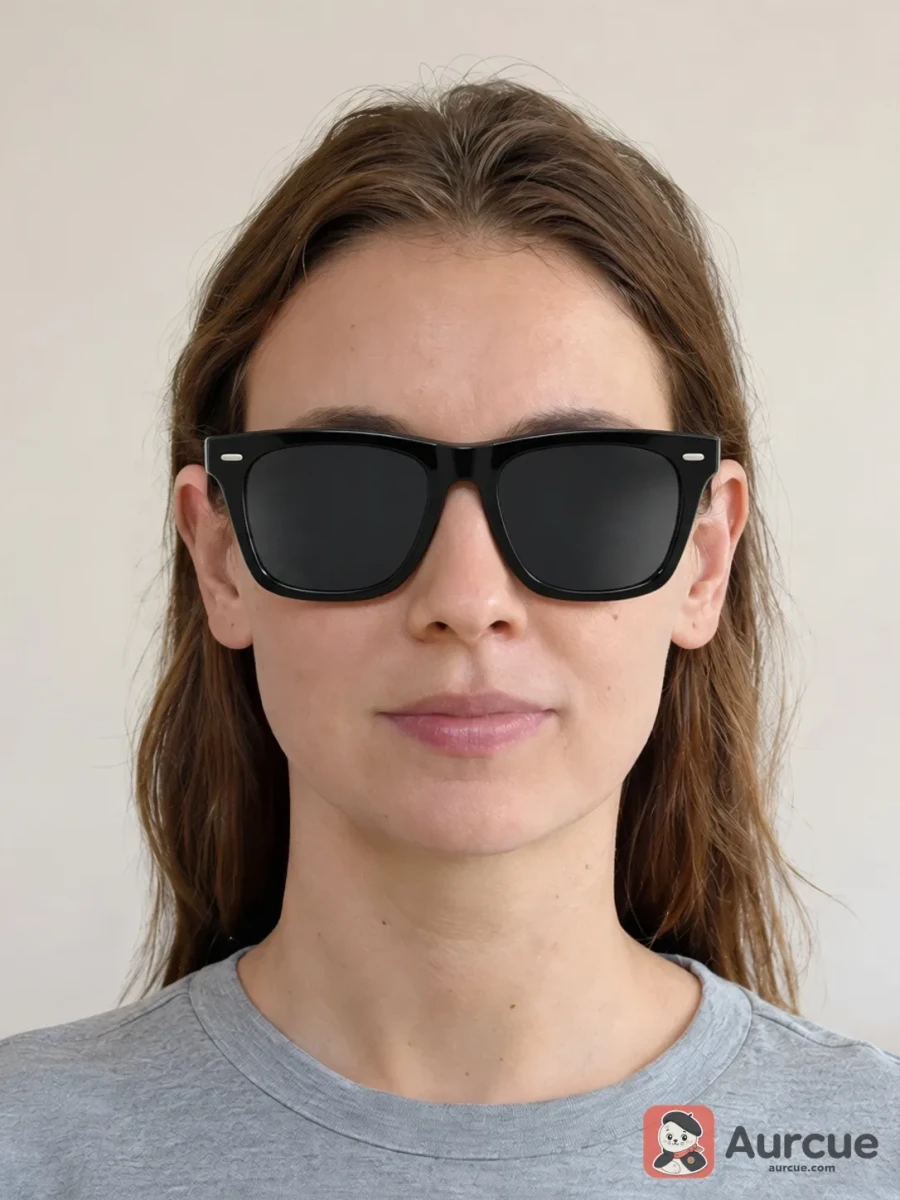
Explore eyeglass frame styles
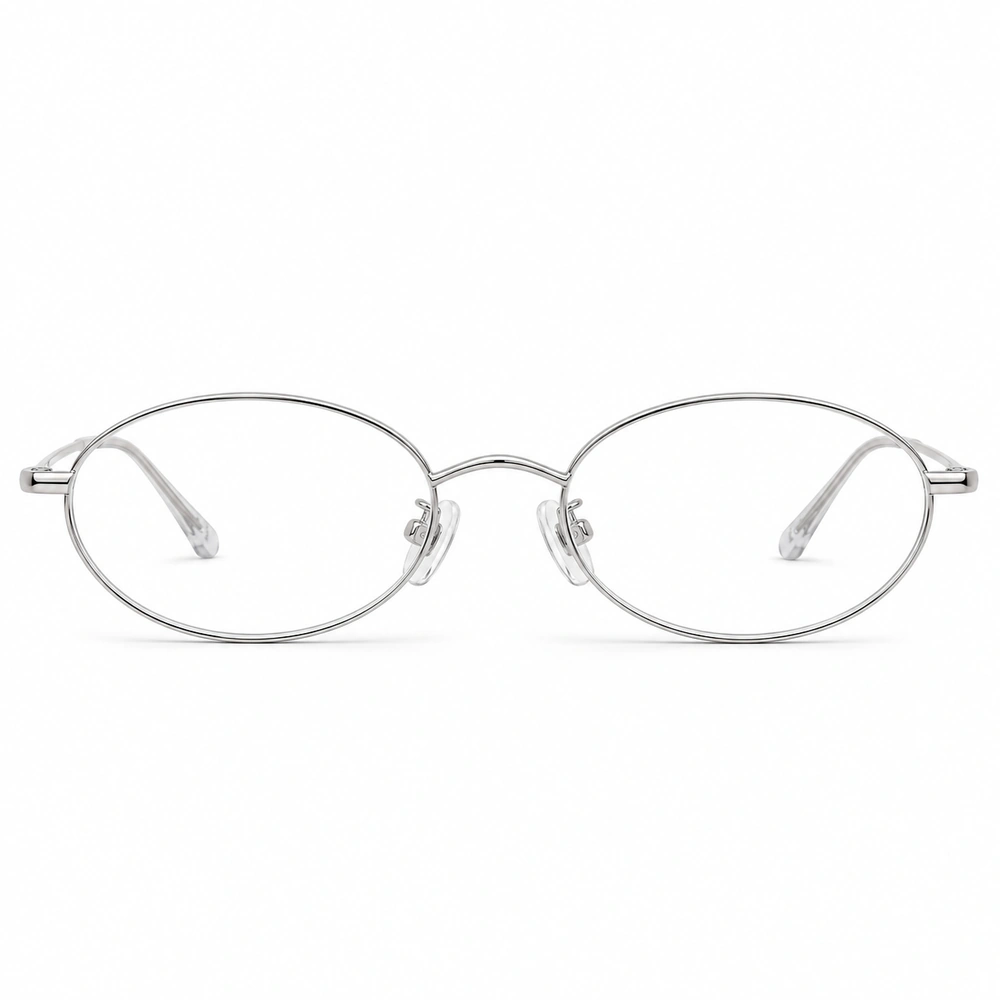
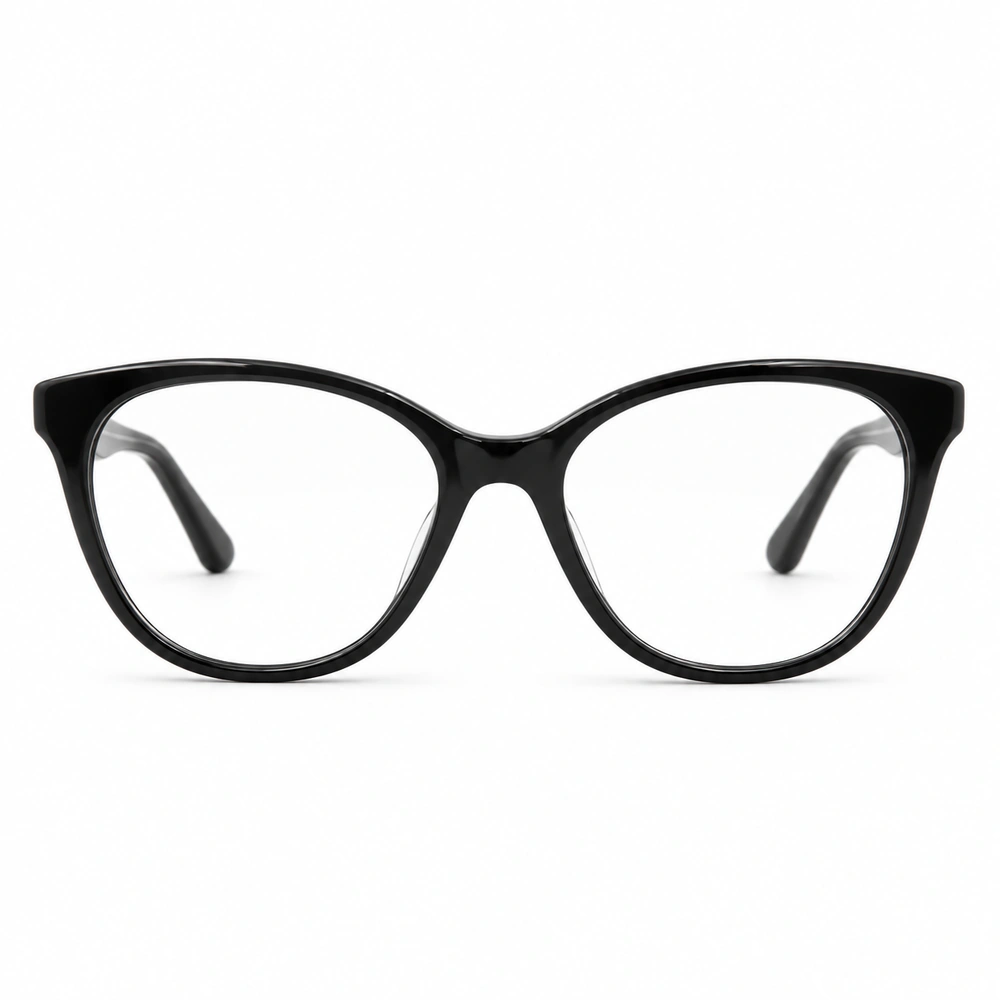
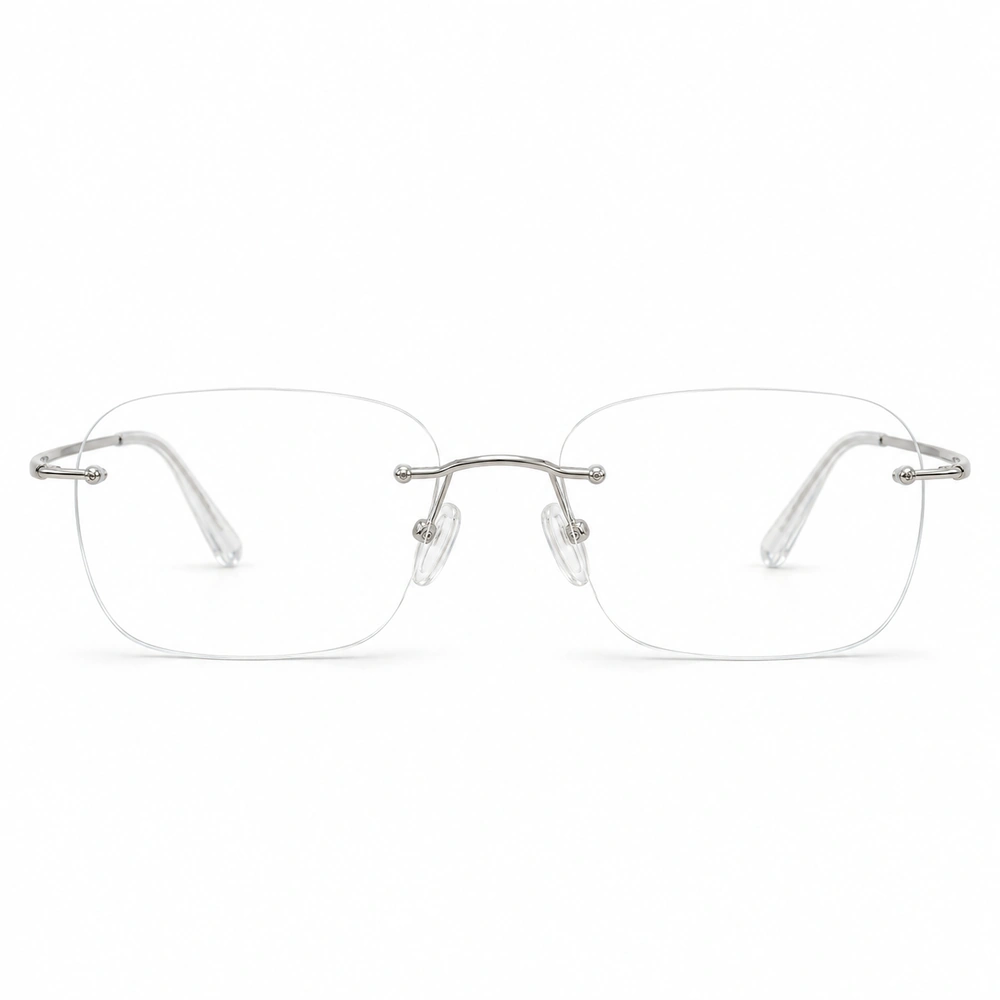
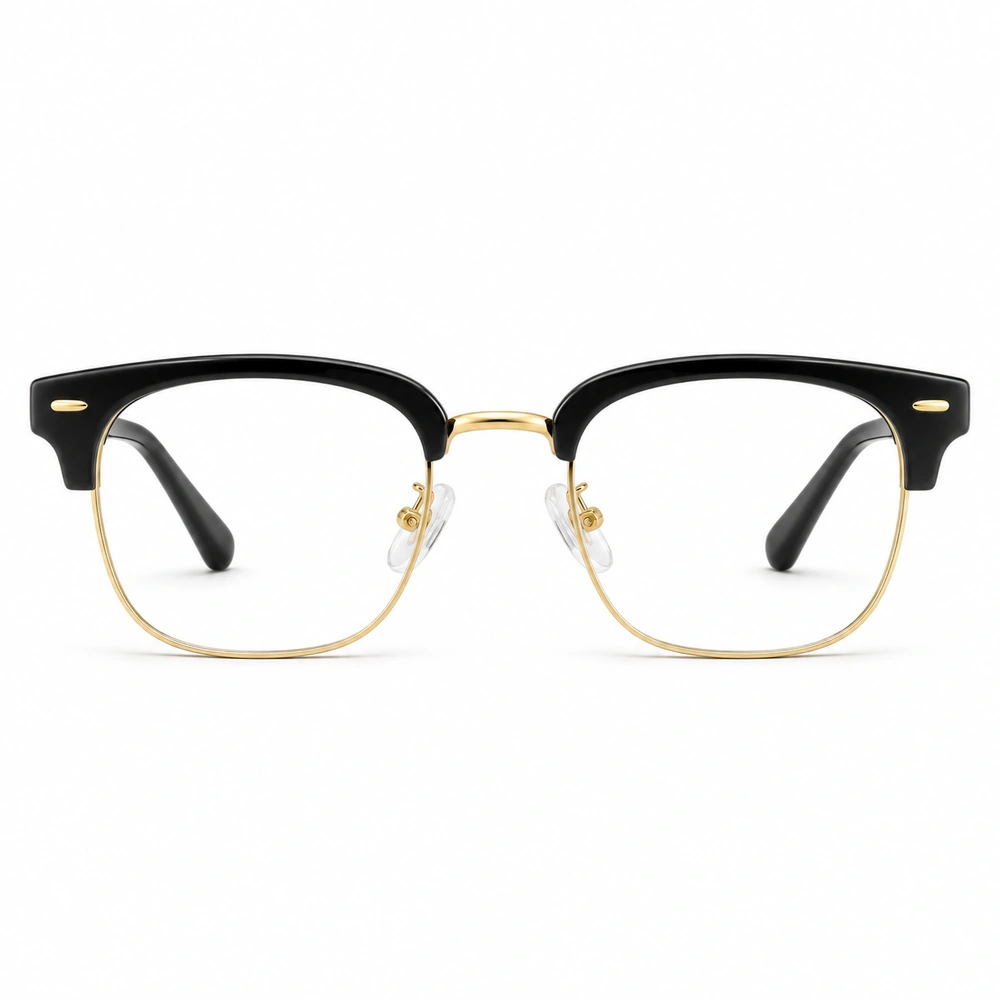
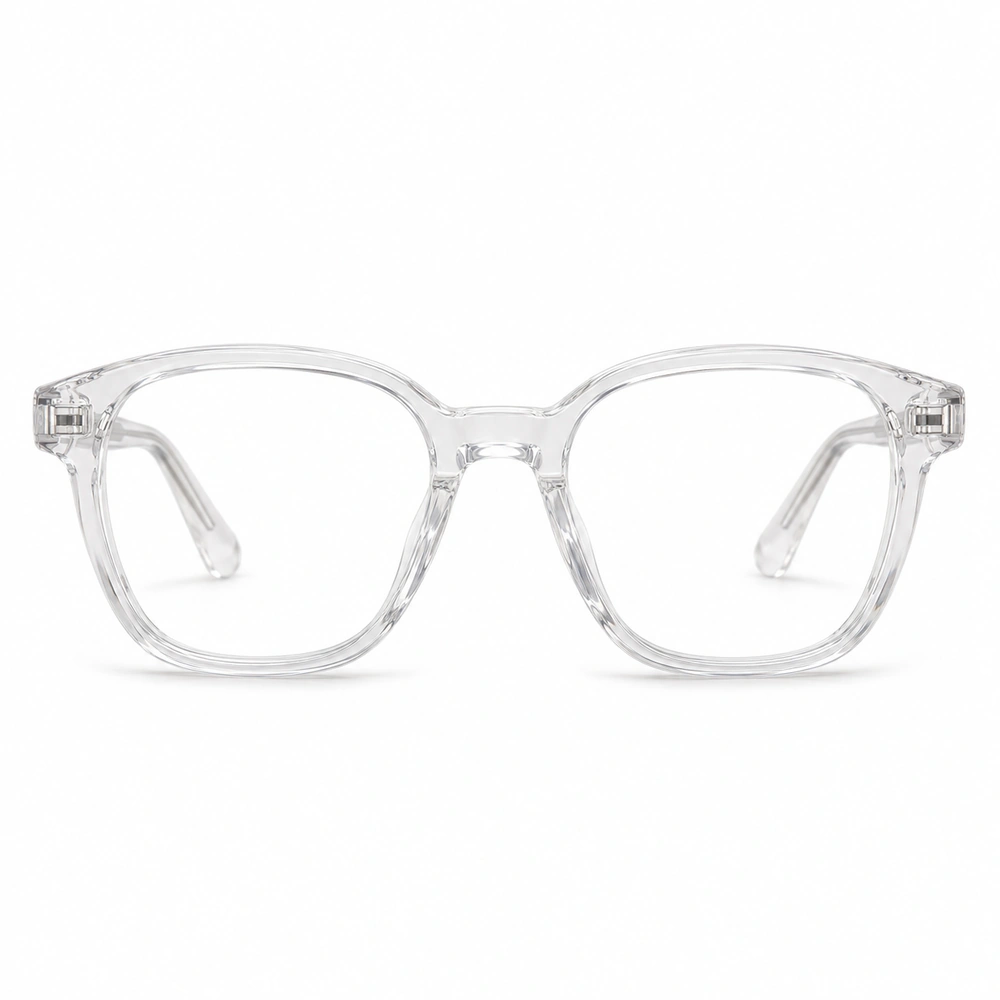
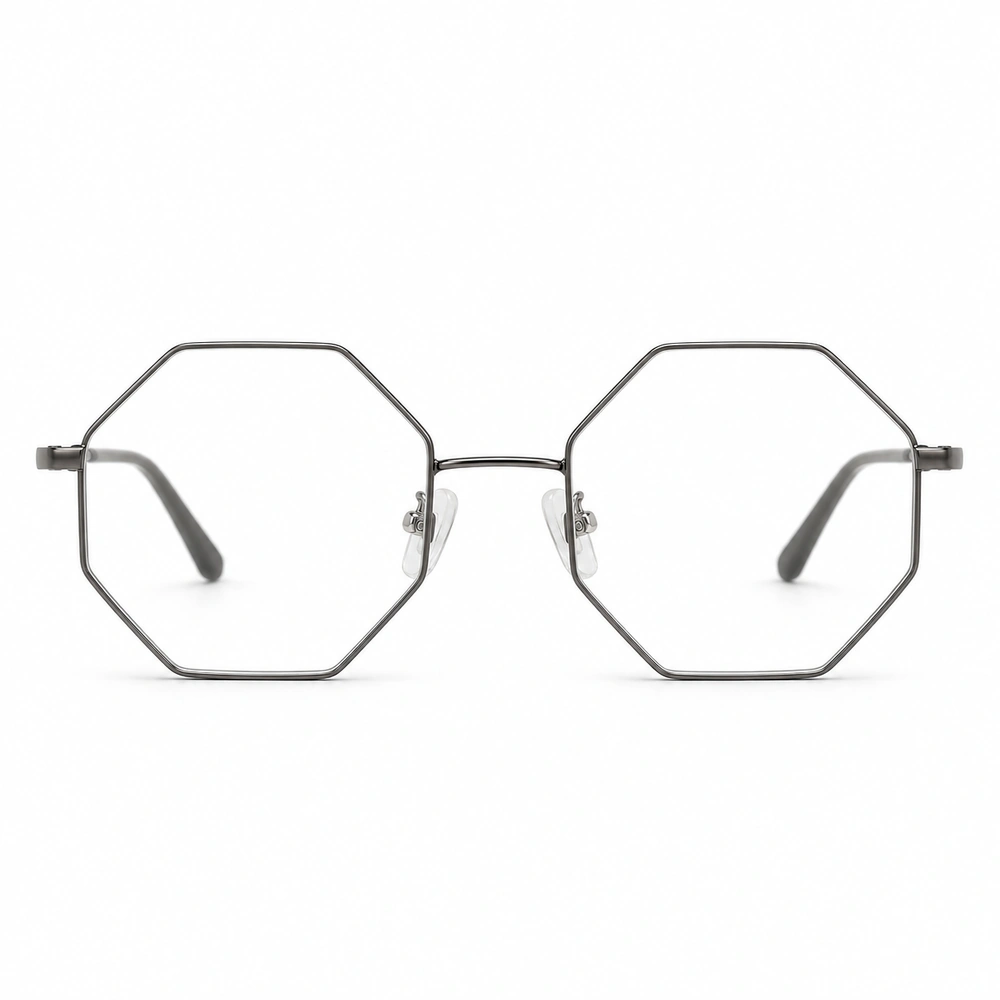
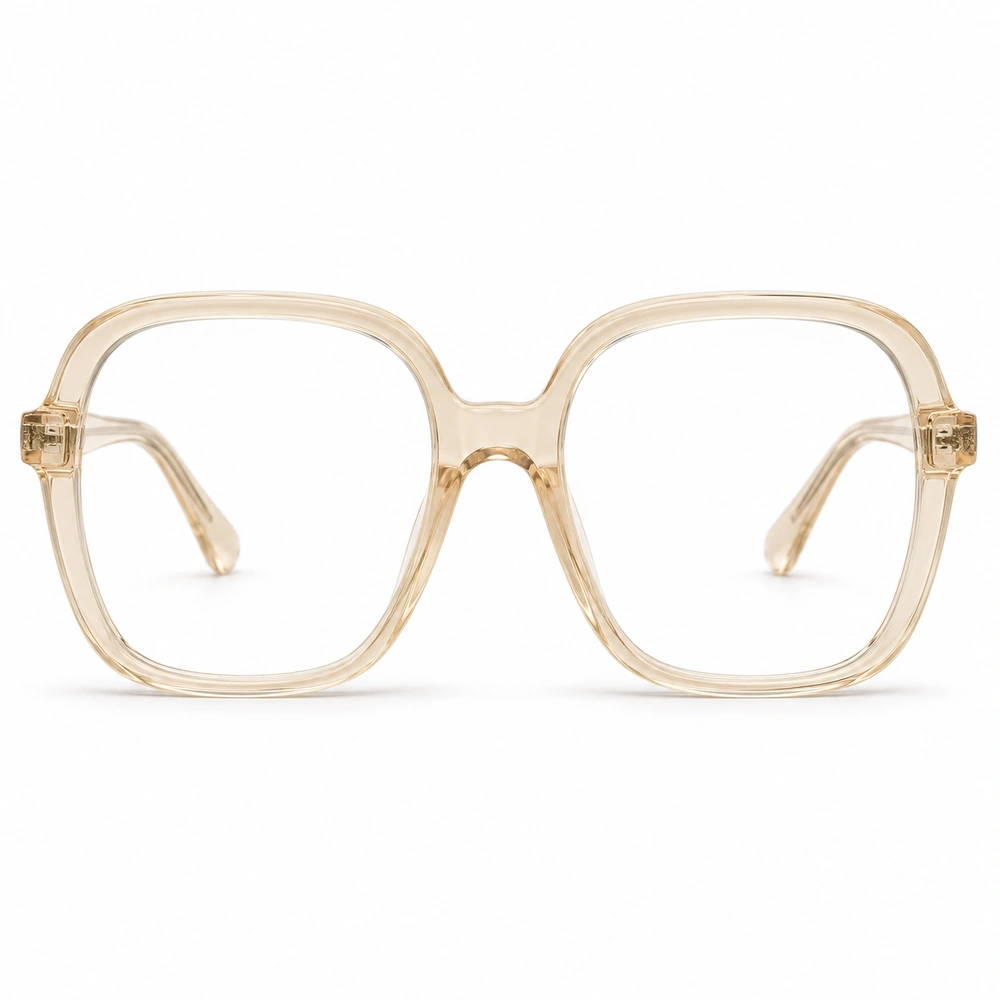
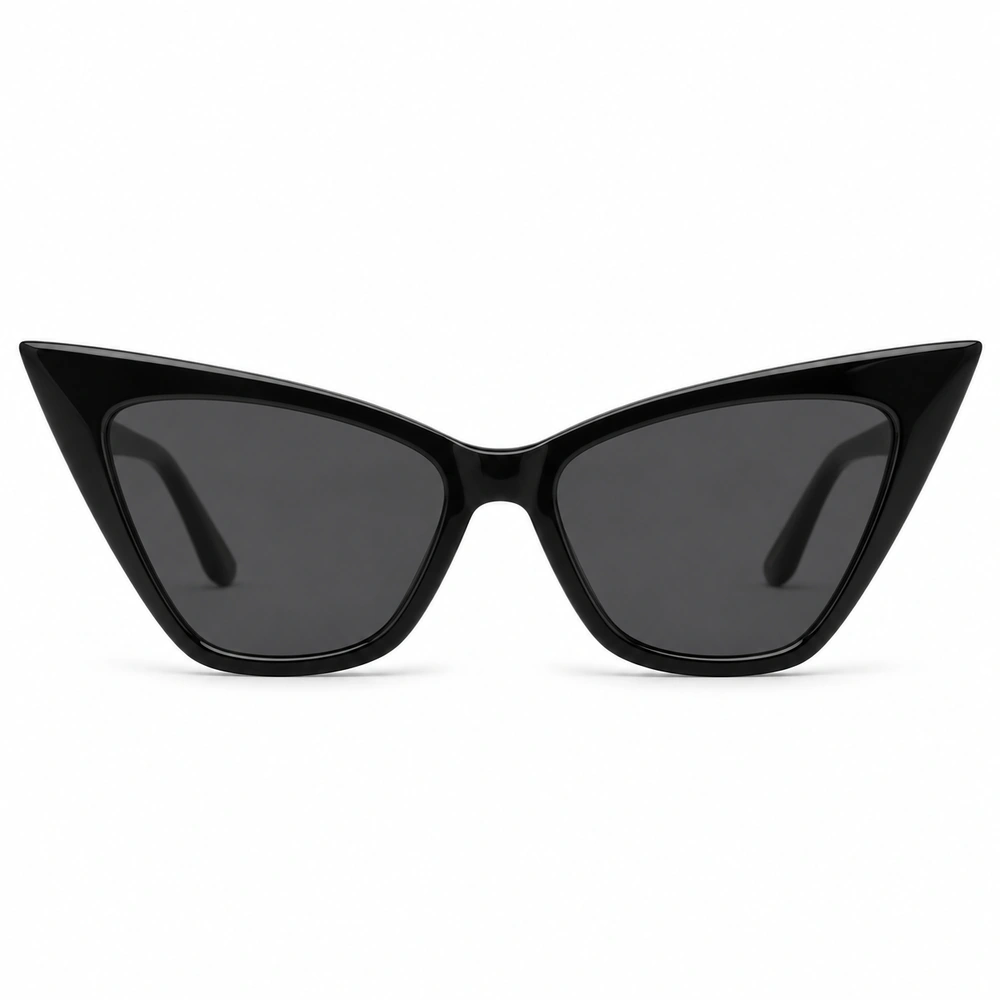
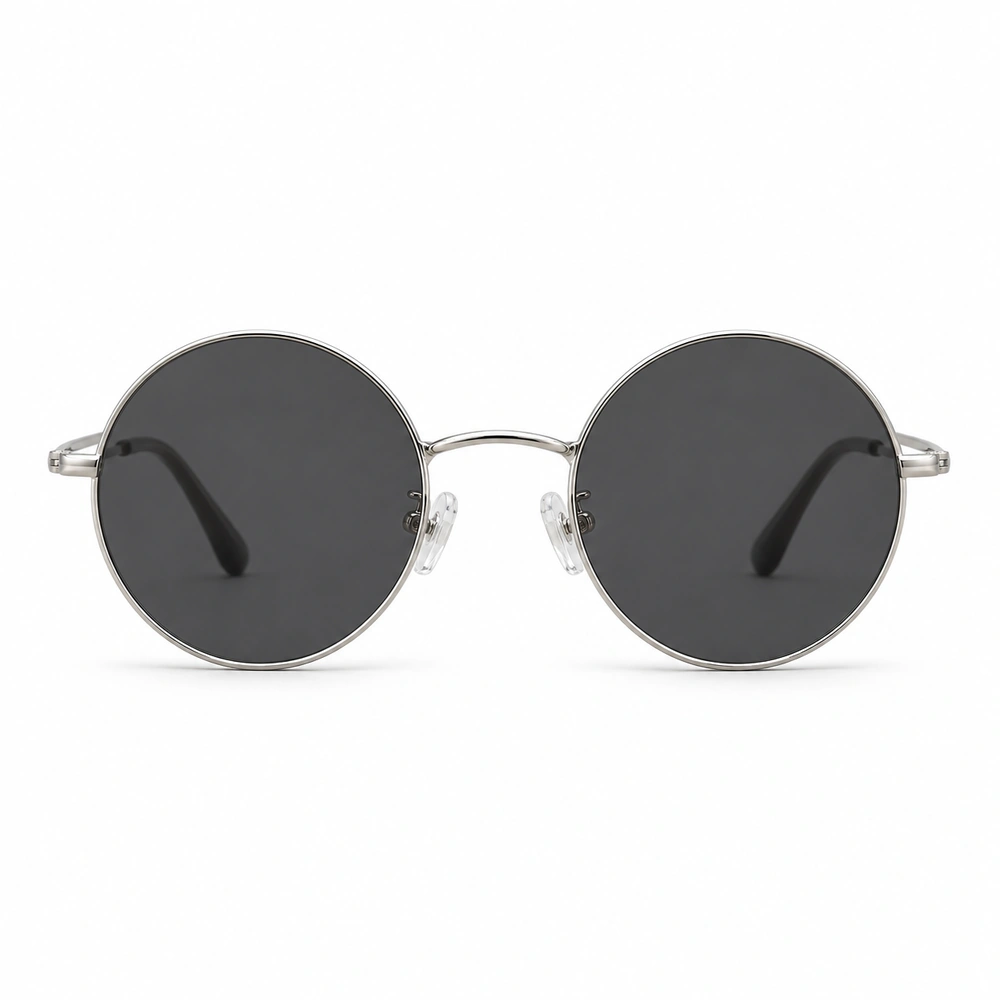
Try a pairCompare rim weight, color and shape: from subtle silver ovals to bold black cat-eyes. Clear lenses keep the focus on the frame.
Virtual sunglasses try-on
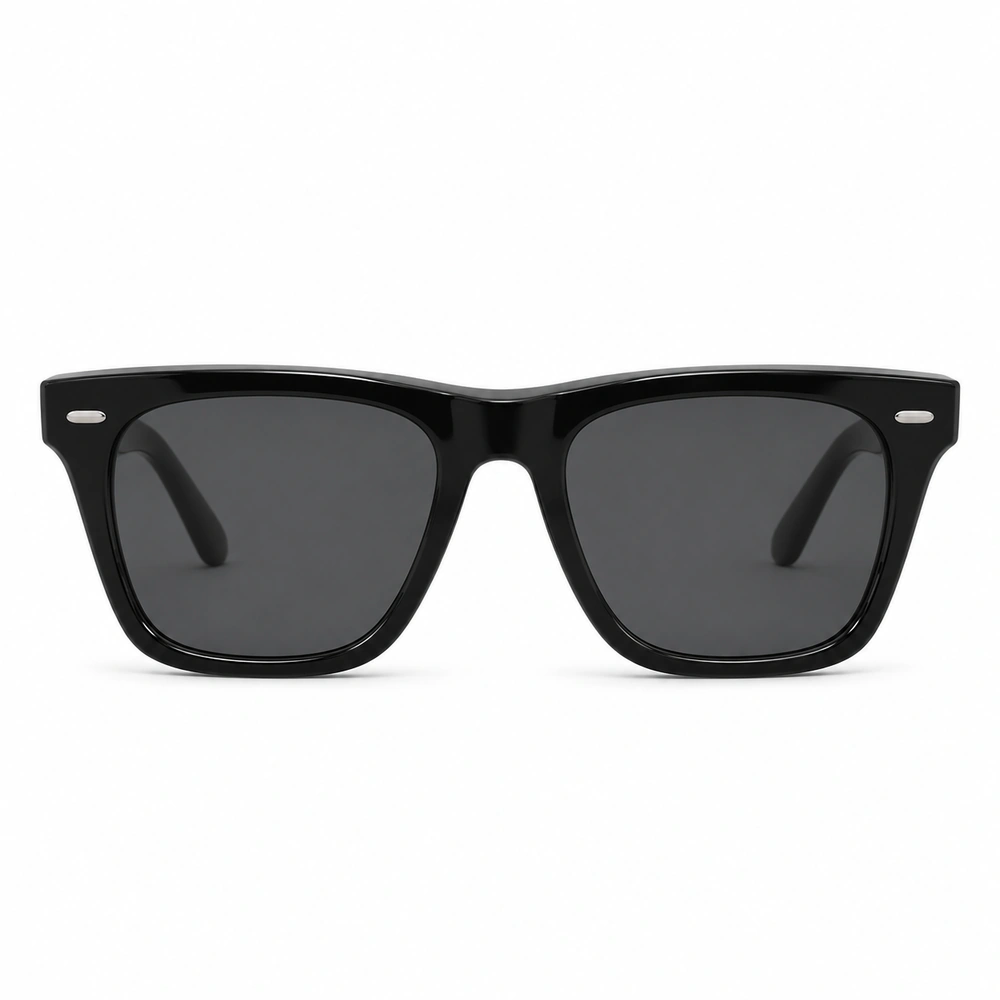
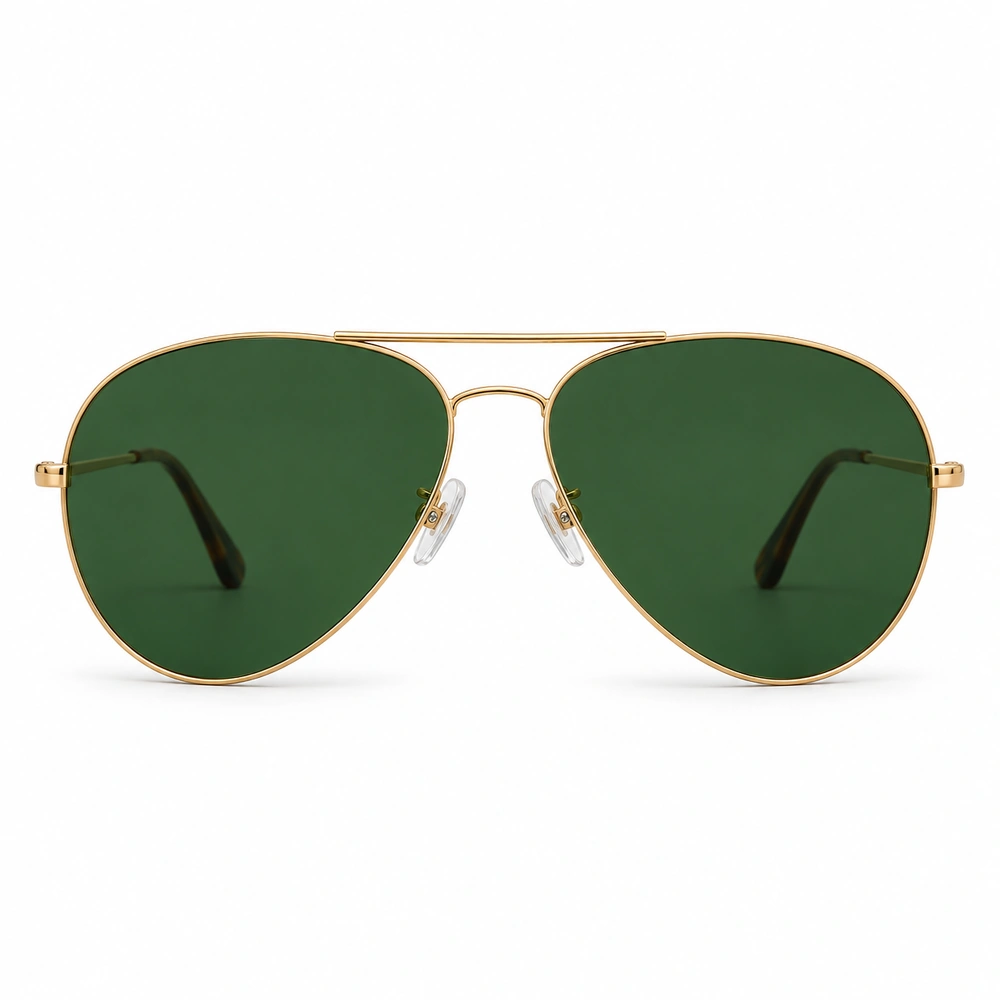
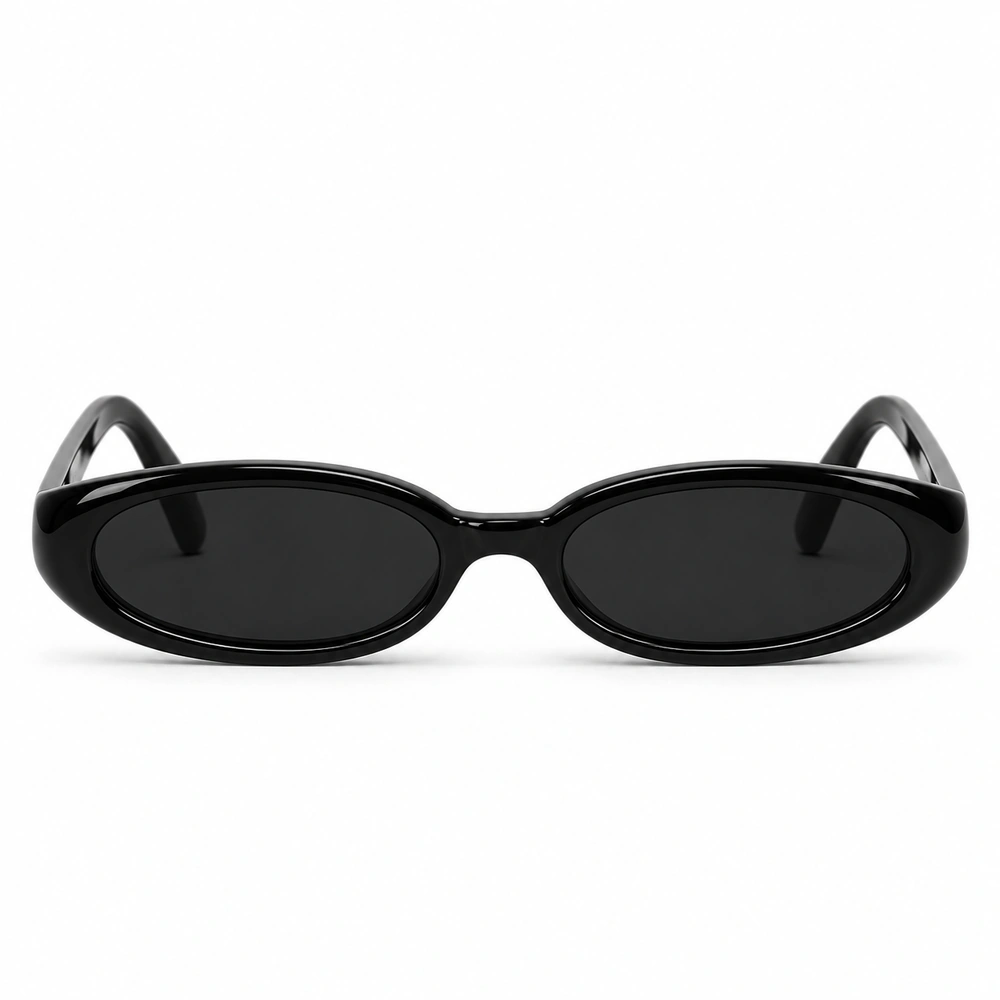
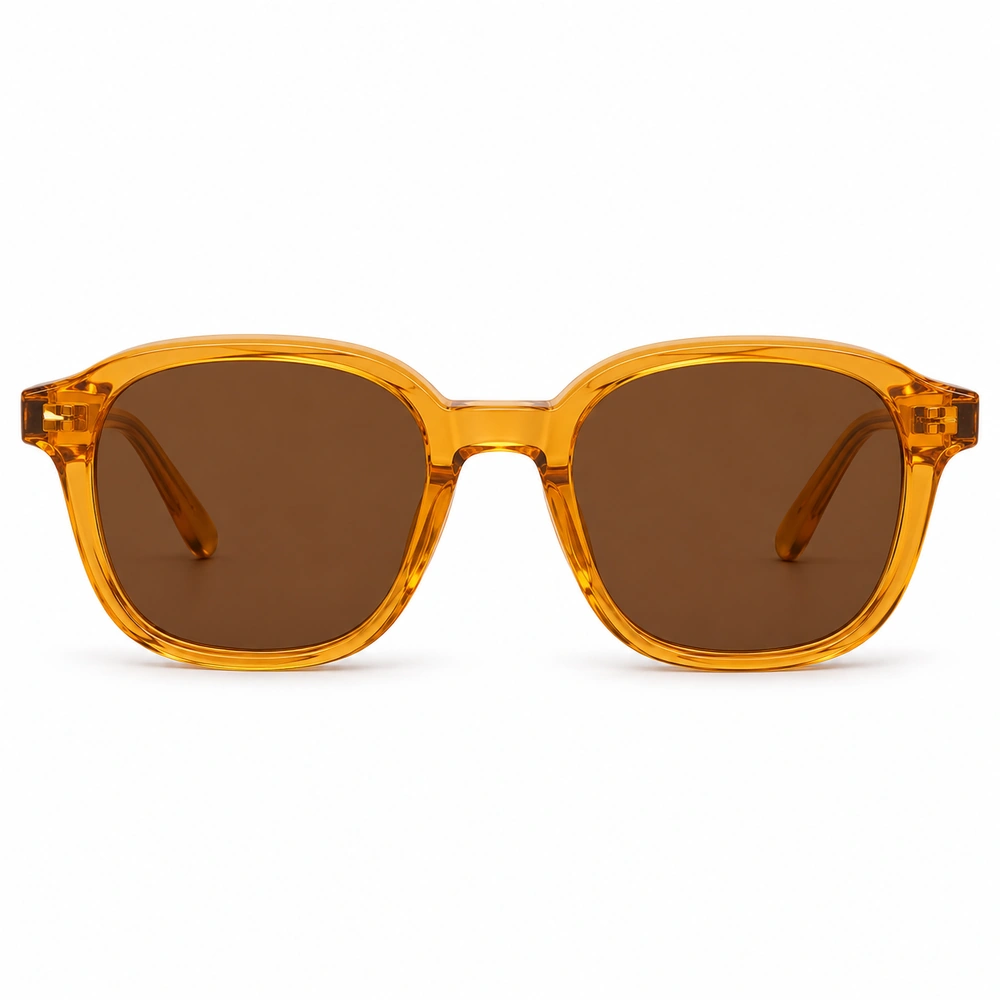
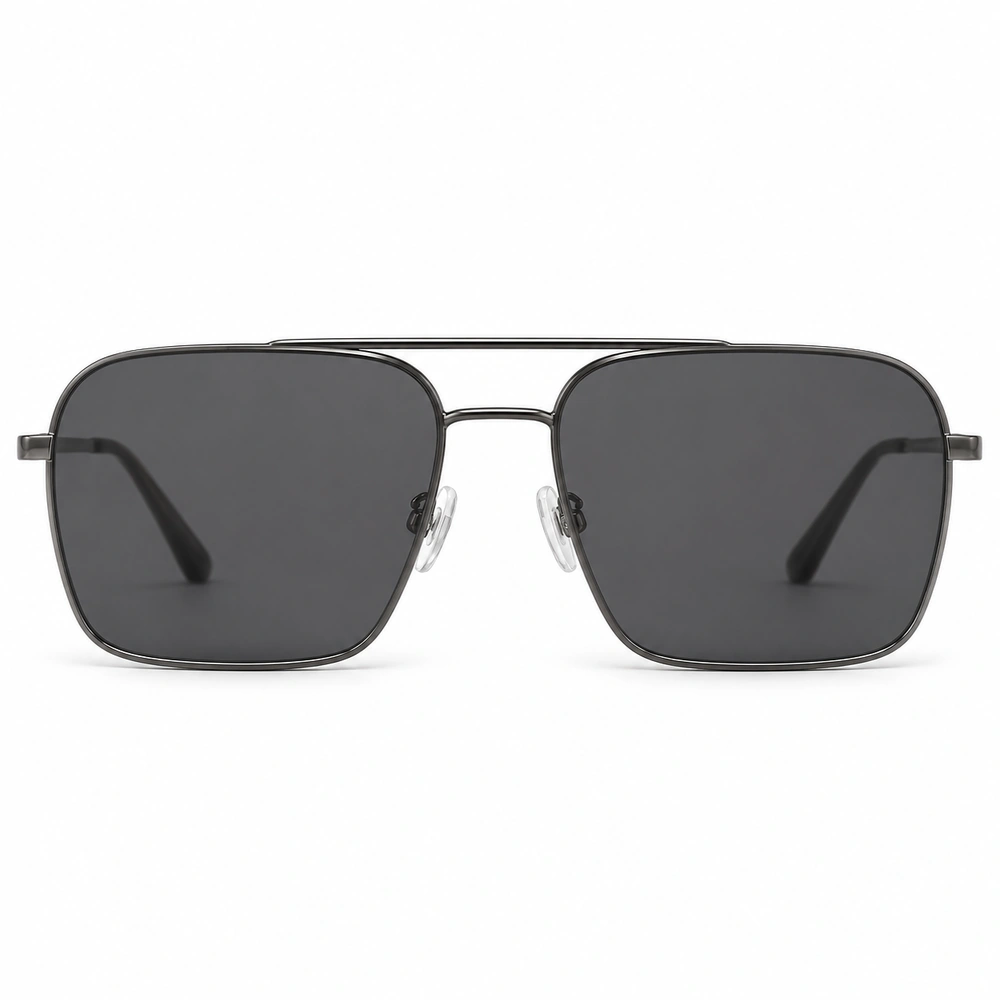
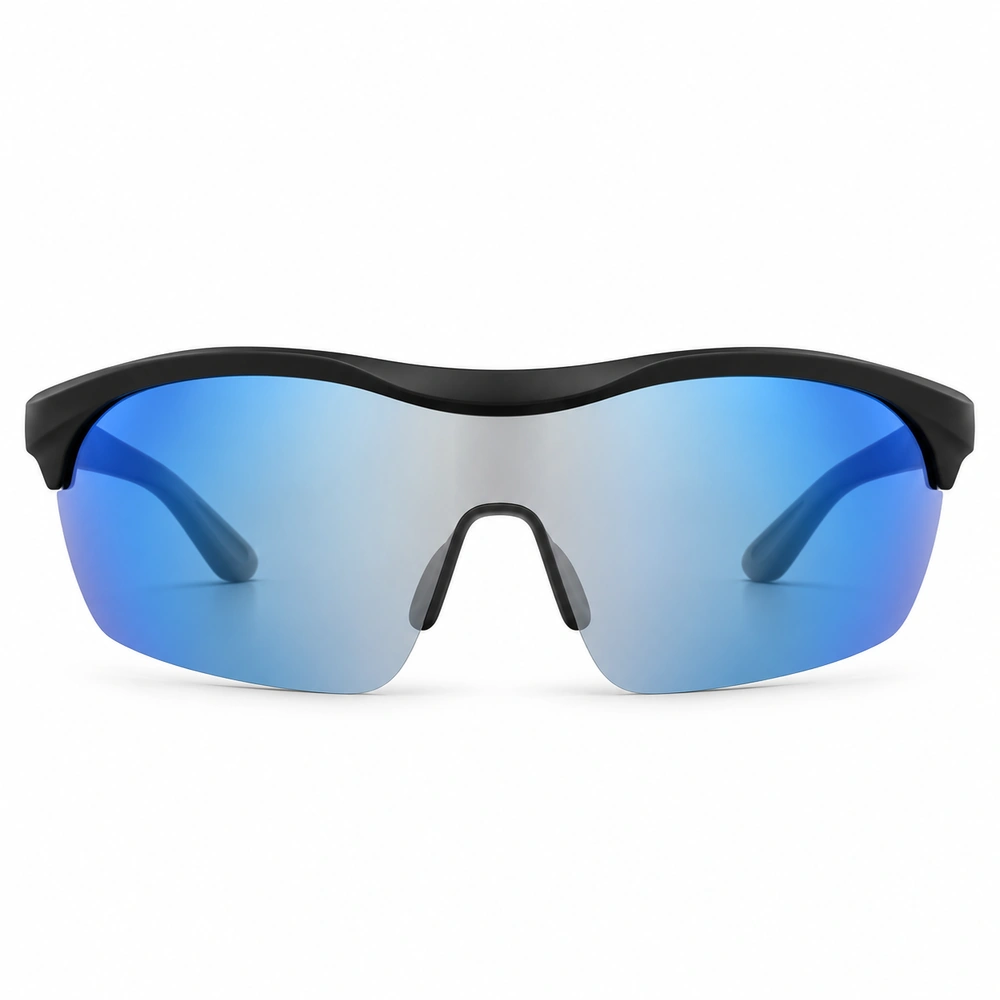
Try a pairTry on sunglasses online with your photo. Compare classic aviators, easy wayfarers and bold shields, with dark, tinted or gradient lenses.
Your face.
Your frames.
A clearer choice.
Choosing glasses from a product photo alone is hard. Upload one clear portrait to compare frame shapes, colors and lens styles on yourself. Keep the same photo as you switch pairs, so the frame is what changes.
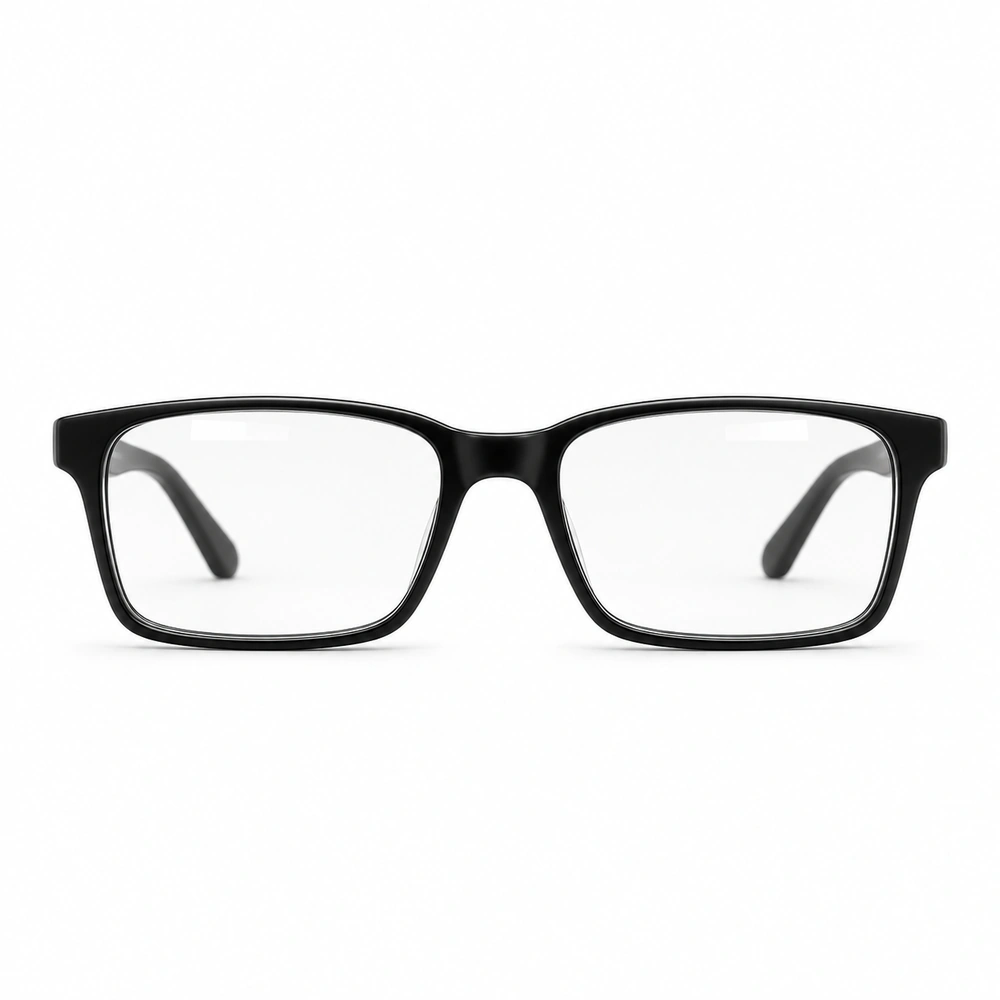
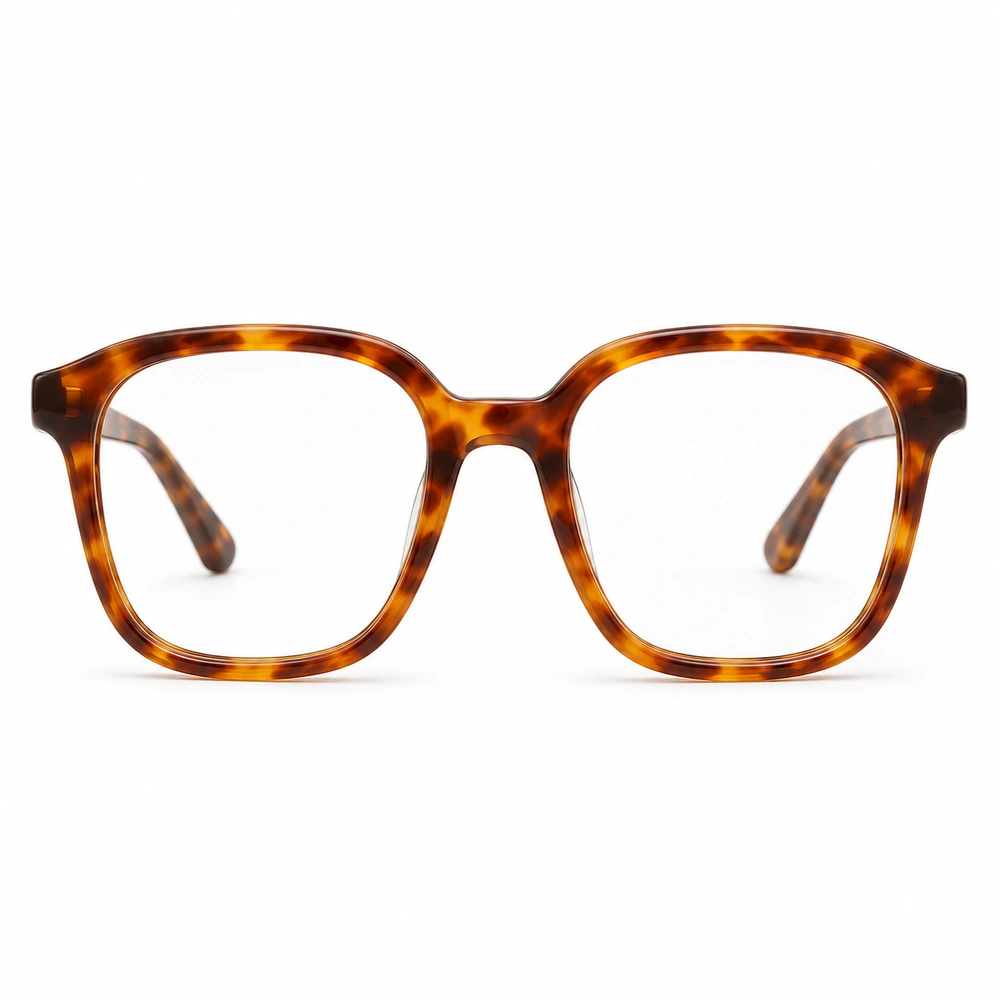
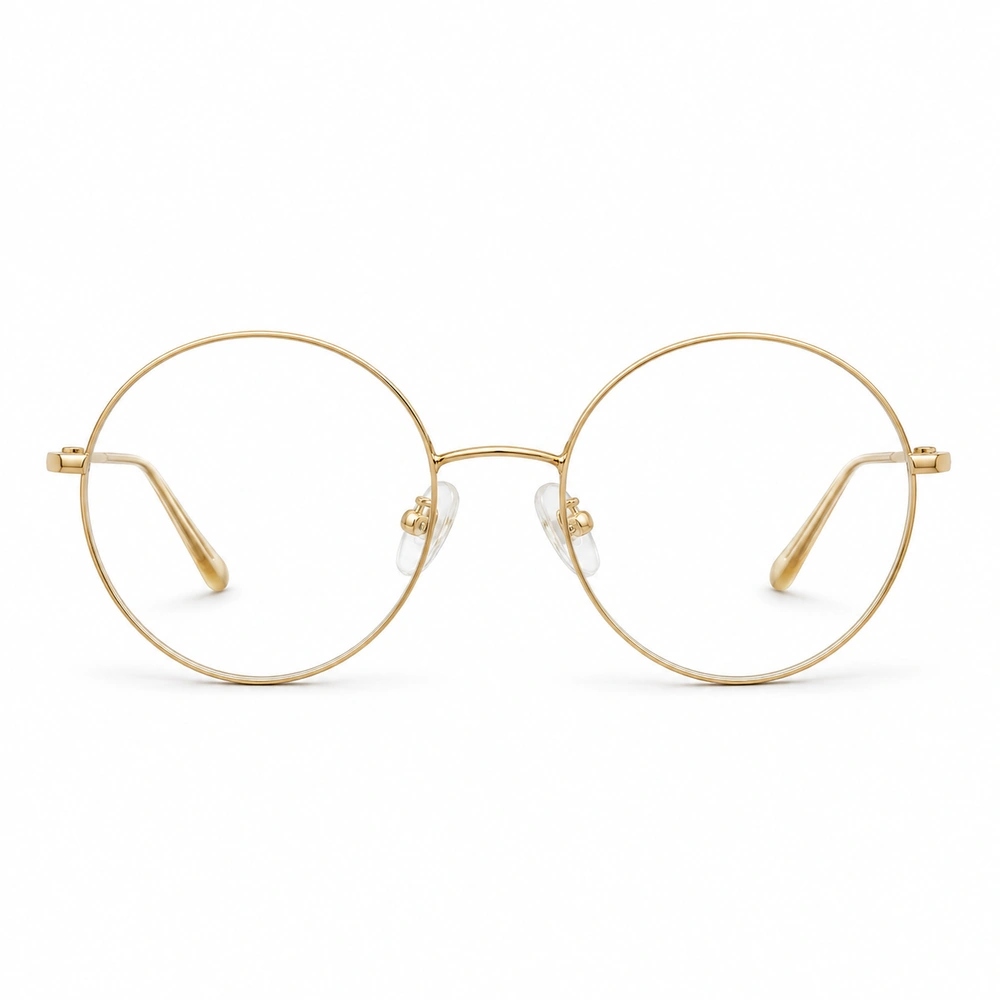
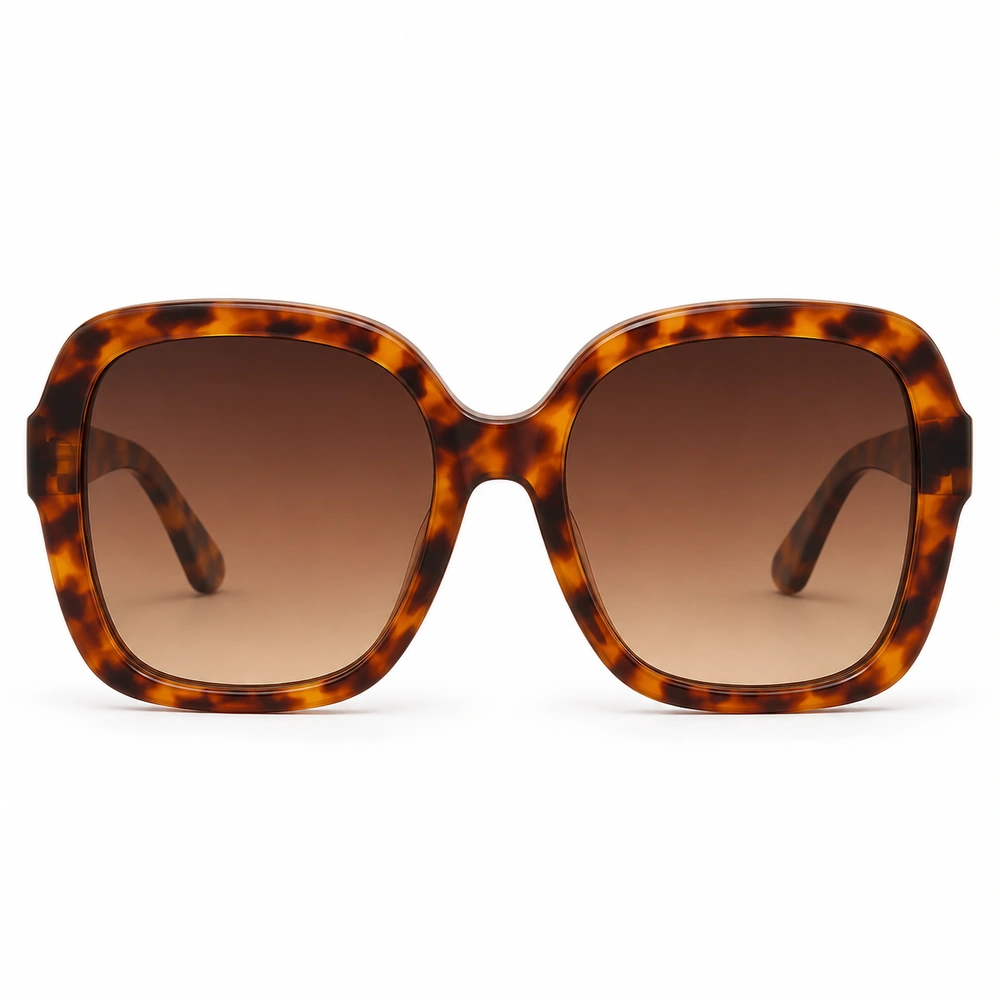
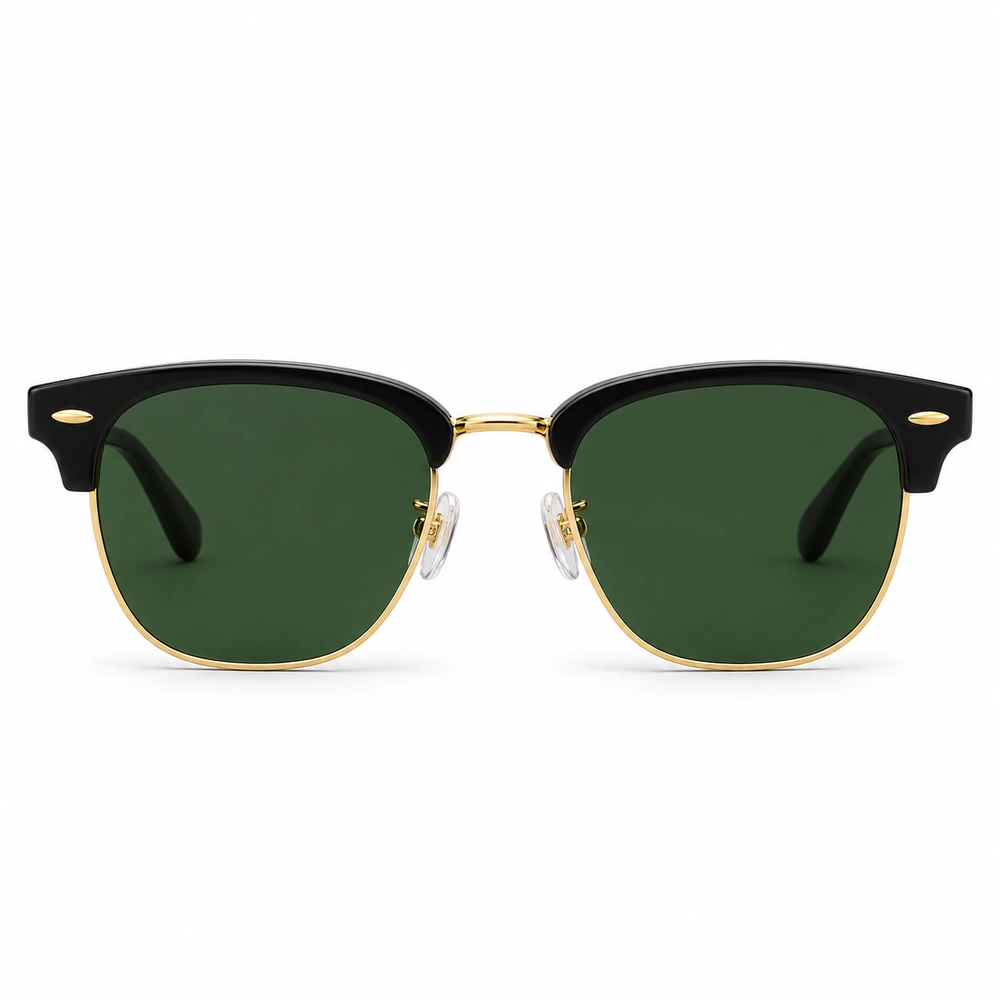
Try a black rectangle for definition, a fine gold round for a lighter look, or a soft-square tortoiseshell for an everyday option. For virtual sunglasses try on, explore everything from aviators to slim ovals and oversized squares.
Already found a pair you love? Upload its product photo instead. Your AI preview helps you compare the look before you check the real frame’s dimensions and fit.
Try on glasses with your photoHow do I try on glasses with a photo?
Upload a clear, front-facing photo with your face unobstructed, then choose a frame. Your AI preview starts when both are ready. Drag the comparison divider to see the difference; confirm to save your look.
Can I try on sunglasses online too?
Yes. Switch to Sunglasses to preview aviators, cat-eye, wayfarer, round, oversized, navigator and sport shield styles on the same photo.
Can I upload a pair of glasses I found online?
Yes. Upload a clear product photo of the pair you want to compare. Crop out surrounding text and unrelated products so the AI can follow the frame shape and color.
Is this live AR or a measurement of frame fit?
This is a photo-based AI preview, not a live camera overlay. It helps you compare styles, but does not measure pupillary distance, prescription suitability or physical fit. Check the frame dimensions and try the real pair before buying.
How much does a glasses try-on cost?
Each try-on uses 2 credits. If you need more, the purchase options open before generation. Your photo and chosen frame are kept so you can continue after checkout.
Which glasses suit my face?
If you want help narrowing down shapes and colors first, use the glasses style analysis report. If you already have a shortlist, use this photo try-on to compare it.