
How to Take a Photo for AI Style Reports
A practical guide to taking photos for AI style reports, covering lighting, framing, angles, clothing visibility, filters, and when to upload more than one image.
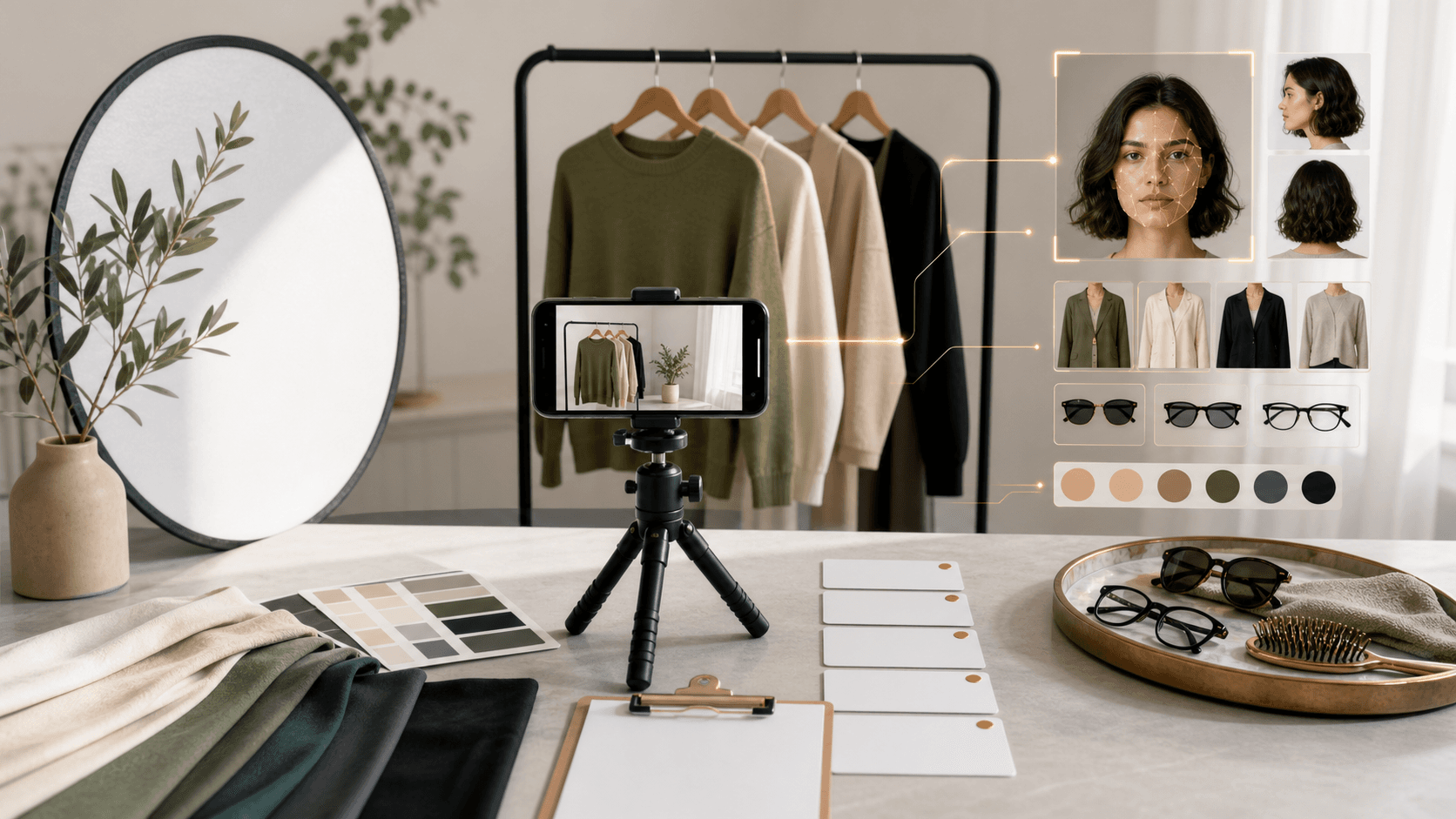
Better AI personal style reports come from photos with clear light, accurate color, visible proportions, minimal filters, and framing that matches the report type. The model can only read the signals it can see, so lighting, angle, crop, and distortion directly affect the usefulness of the result.
Key takeaways
- Clarity beats production quality: A useful upload does not need a studio; it needs honest light and visible details.
- Match the crop to the report: Face-based reports need a portrait, while outfit reports need shoes and silhouette.
- Avoid distortion: Wide-angle mirror photos and close selfies can change face and body proportions.
- Reduce filters: Beauty filters, strong color grading, and low light make color and texture reads less reliable.
Quotable definition: A good AI style report photo is clear, honest, well-lit, minimally filtered, and framed around the style question being asked.
Use light that preserves color
Natural daylight is usually best for personal color, makeup, hair, and glasses recommendations. Avoid colored bulbs, heavy shadows, and strong backlight. For outfit analysis, light should reveal fabric, color, and silhouette without flattening everything into one dark shape.
The goal is not perfect photography. The goal is for the image to preserve the signals that matter: skin color, hair color, fabric texture, garment shape, face-frame lines, and shoe proportions.
Match the photo to the report
| Report type | Best photo | Signals the AI needs | |---|---|---| | Personal color | Front-facing portrait | Skin, eyes, hair, undertone clues, contrast | | Outfit upgrade | Half-body or full-body photo | Fit, silhouette, shoes, color balance | | Hairstyle | Front portrait plus optional profile | Hairline, jaw, forehead, texture, length | | Glasses | Straight-on portrait | Brows, eyes, nose bridge, cheekbones, jaw | | Facial aesthetic | Clear portrait | Brows, makeup, hair framing, lighting, angles | | Streetwear | Outfit photo | Height impression, layers, shoes, proportions |
If the report needs both face and outfit context, upload the clearest single photo first and add more context when the product supports it.
Avoid common problems
Avoid mirror distortion, wide-angle stretching, sunglasses for face-based reports, beauty filters, heavy makeup when checking natural coloring, and cropped shoes for outfit analysis. A plain background helps, but it is less important than clear light and visible details.
Frequently Asked Questions
What photo is best for an AI style report?
The best photo depends on the report. Use a clear portrait for face, color, hair, glasses, and facial aesthetic analysis. Use a half-body or full-body photo for outfit and streetwear analysis, especially when shoes and proportions matter.
Does the photo need to be professional?
No. A professional photo is not required. The image should be clear, evenly lit, minimally filtered, and framed so the relevant face, clothing, hair, or shoe details are visible.
Why should I avoid wide-angle mirror photos?
Wide-angle mirror photos can stretch proportions, change the apparent size of shoes or shoulders, and make outfit balance harder to read. A straight camera angle produces more reliable style feedback.
When should I upload more than one image?
Upload more than one image when lighting is mixed, the first photo hides important details, or the report needs multiple views, such as hairstyle length, outfit proportions, or glasses with and without the current frame.
Summary
Better AI style reports come from photos with clear light, accurate color, visible proportions, minimal filters, and framing that matches the report type.